























![Dr. Zanita Kelly, Director of Lower and Middle School, pictured above, and the rest of Westridge Administration were instrumental to providing Westridge faculty and staff the support they needed after the Eaton fire. "[Teachers] are part of the community," said Dr. Kelly. "Just like our families and students."](https://westridgespyglass.org/wp-content/uploads/2025/03/dr.-kellyyy-1-e1748143600809.png)

![Lacrosse had an incredible season, making it to the semifinals. Jeff Searock, the father of player Sophie S. '28 has gone to most games and said, "[The season has] been great. Great coaching, great players, kids have great attitude. You can't ask for much more."](https://westridgespyglass.org/wp-content/uploads/2026/05/IMG_3652-1200x900.jpeg)










The days of unrestricted web access at Westridge are over. As of the start of this school year, Westridge’s IT department implemented new content-filtering software to limit the websites and applications Middle School students can access.
Ms. Sally Miller, Director of Technology, shared that there had been a dramatic increase in parent complaints about their child’s safety while online. The administration implemented Microsoft Defender, a security app that scans and blocks malicious software. Once downloaded onto the school laptops, the program blocks websites flagged for harmful content and inappropriate material.
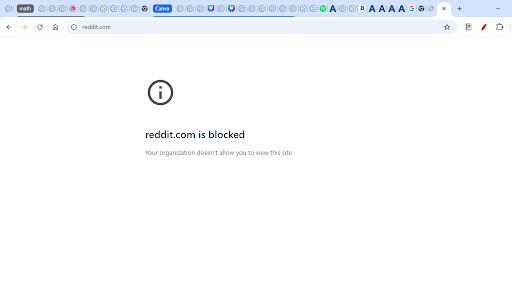
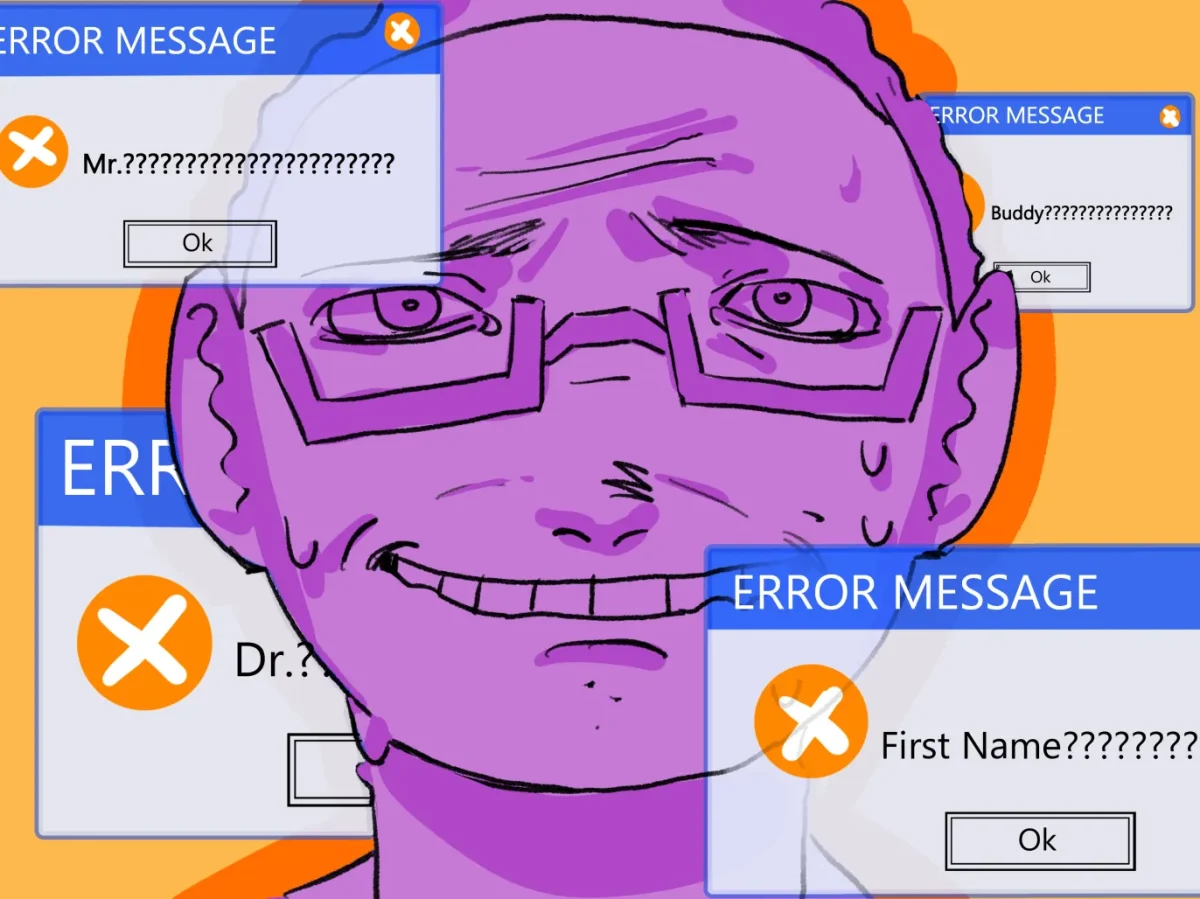
While many students and teachers agree on the need for laptop safety restrictions, others argue that they are far too restrictive—and worse, inaccurate in application. Student frustration was immediate.
Keaton C. ’31 said, “There are flaws in the way that the technology has been created, as it is blocking certain useful websites, and not blocking other websites that I believe it was meant to block, such as gaming websites, and various non-academic apps and websites.” For example, many websites with minigames are not blocked on student laptops, despite being websites that wouldn’t be used for academic purposes.
Additionally, the restrictions are complicating assignments for teachers who assign research or have students watch videos but don’t know which sites have been blocked. Because there is no way to check ahead of time, blocked sites force teachers to abruptly switch lessons. While doing homework, students also run into these restrictions, forcing them to use other devices or postpone their homework until the site is unblocked, if ever. Middle School English Teacher Ms. Ramirez said, “I would like to be able to unblock the websites for my students. We don’t know which websites are banned and which are not. It would be helpful if we had a list of which websites are blocked.”
Early in the year, the student government met with Ms. Miller to discuss the effects of the bans and their impact on Westridge. Regarding their meeting, 8th-grade student government president Amelia C. ’30 said, “School is behaving like a billion-dollar company, not a school, where they are trying to take the easiest route possible just to please the parents instead of doing what the kids need.”
However, when Spyglass asked Middle School parents about their stances on the new restrictions, the parents were largely unaware that they had been implemented at all. According to Maddie C. ’31 “My parents put screen time limitations on my home devices, rather than restricting websites. My parents don’t really care whether there are limitations or not, as long as I’m being safe while online.”
Laurel J. ’31 echoed Amelia’s statements by saying, “When I was researching for my Outlook magazine submission, there were so many sites that were blocked, including .org sites that I thought were legit. Sites I needed would be blocked inconsistently, so sometimes I could use them and sometimes I couldn’t, which made it really annoying.”
The software, Ms. Miller admits, isn’t perfect, but she is hopeful. “Imagine if you’re the person writing this filtering software, there’s a billion websites to block. For the first year, the restrictions will be hard, but like everything, eventually students will get used to it,” she said.
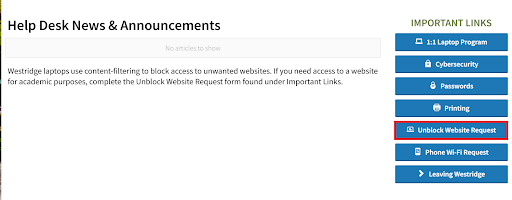
In addition, there are ways to request the unblocking of a website. Students and teachers can proceed to the Veracross ‘Help Desk’ page and choose ‘Unblock Website Request’. The submitted request will be sent to Ms. Miller, who will check the website for content that may be inappropriate or harmful. If the website’s content is fit for student/teacher laptops, she can manually unblock the website. According to various Middle School students, the request takes a few days to a week to be processed. However, students have found alternate ways to evade the blocking, like pasting the blocked website’s URL into a different browser, since the consistency of website blocks can tend to be irregular across browsers.
While some students are against the bans, others shared that the restrictions have been effective in stopping them from going on distracting websites. Ava W. ’31 said, “Last year, I think a lot of us were going on websites we shouldn’t have, like Pinterest. Since it’s been blocked, I’ve noticed that people aren’t on problematic websites anymore.”
While the restrictions have garnered mixed reactions throughout the school year, some students now believe that they are integrated into Westridge’s campus culture. According to Laurel J. ’31, “[The blocks have] just become a part of life. At the beginning of the year, I was super confused and annoyed, and they’re still pesky, but I’ve kind of accepted it.”
Westridge is in step with the Los Angeles Unified School District (LAUSD), which has also implemented tech restrictions on laptops, going even further in 2025 with the restriction of cellphones. According to the Los Angeles Unified School District (LAUSD) Policy Bulletin, “The [LAUSD] District uses technology protection measures to block or filter access, as much as reasonably possible, to visual and written depictions that are obscene, pornographic, or harmful to minors over the network. The District can and will monitor users’ online activities and access, review, copy, and store or delete any communications or files and share them with adults as necessary. Users should have no expectation of privacy regarding their use of District equipment, network, and/or Internet access or files, including email. Users understand that the District has the right to take back possession of District equipment at any time.”
Kelly Block, Director of Human Resources and Westridge parent, believes that the blocks are necessary so long as they keep her daughter safe while online. “It’s not so much that there needs to be a lot of restrictions, just that there were hardly any before, and now there are finally some safeguards in place. As a parent, safety is my number one priority, and I trust that the school is doing everything it can to keep our daughters safe while online.”
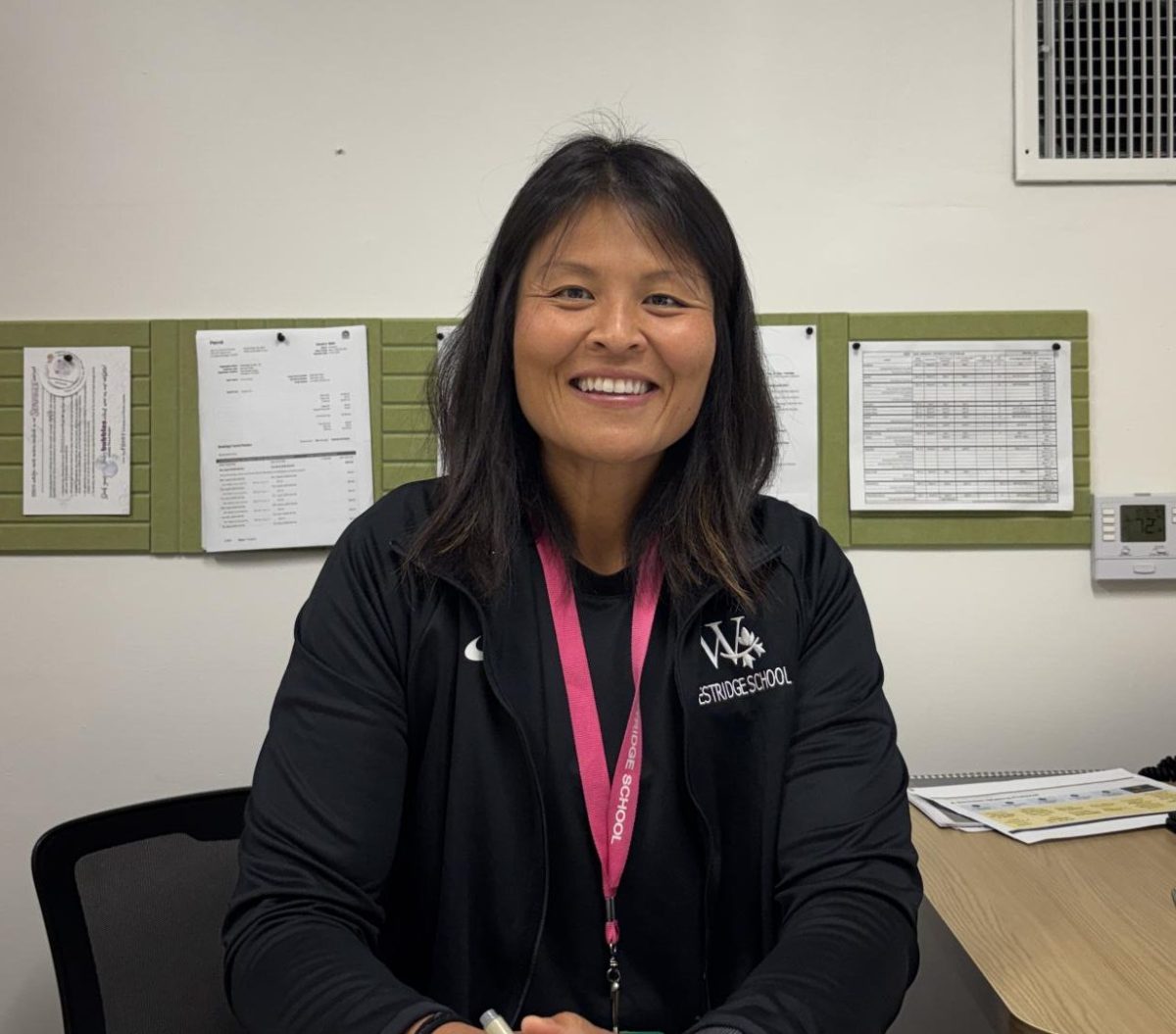
While not everyone welcomed the restrictions, they seem to have created the result that the administration wants—for students to use their computers for only academic purposes. According to Dr. Zanita Kelly, Director of the Lower and Middle School, these restrictions were necessary following several incidents regarding students misusing computers and personal technology, which eventually led to a student being expelled. “I’ve always been for restrictions since I got here in 2019, and we just got them last year. I’m with the research, I’m with what’s best practiced by experts, and the research is saying that unrestricted technology is not having positive outcomes with the students.”